 LocaGo
Simulate GPS locations,
test your apps anywhere.
LocaGo sends test locations to your Android device so you can check how location-based apps behave in other places and while moving, without leaving your desk.
Android 8.0 or later · Free · No account, no ads · Coming to Google Play
Everything you need to test location
Four ways to move, plus the tools to repeat a test exactly.
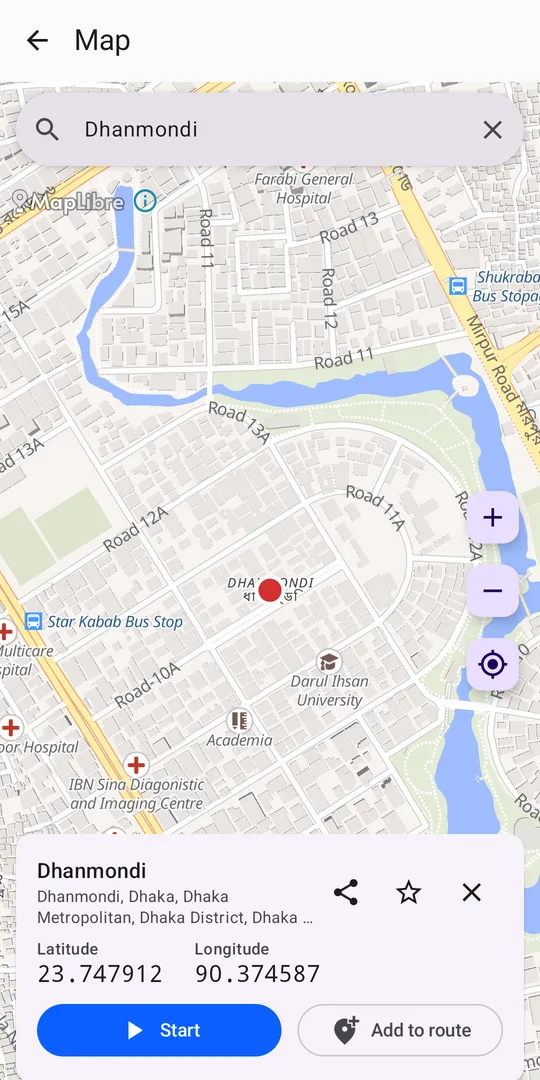
Any place on the map
Search by name or address, enter coordinates, or long-press the map.
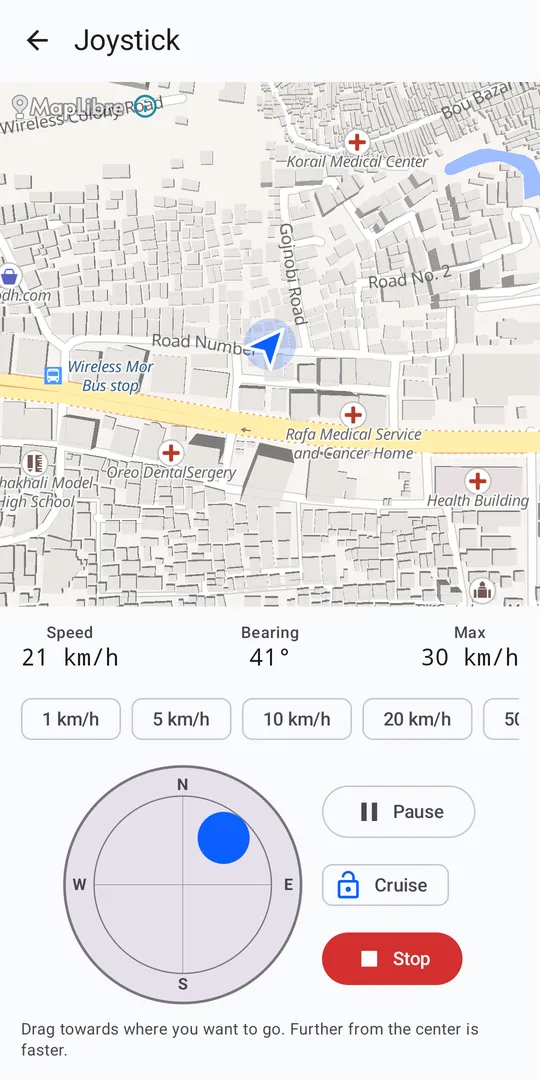
Joystick
Move in any direction at 1–500 km/h, with optional realistic acceleration.
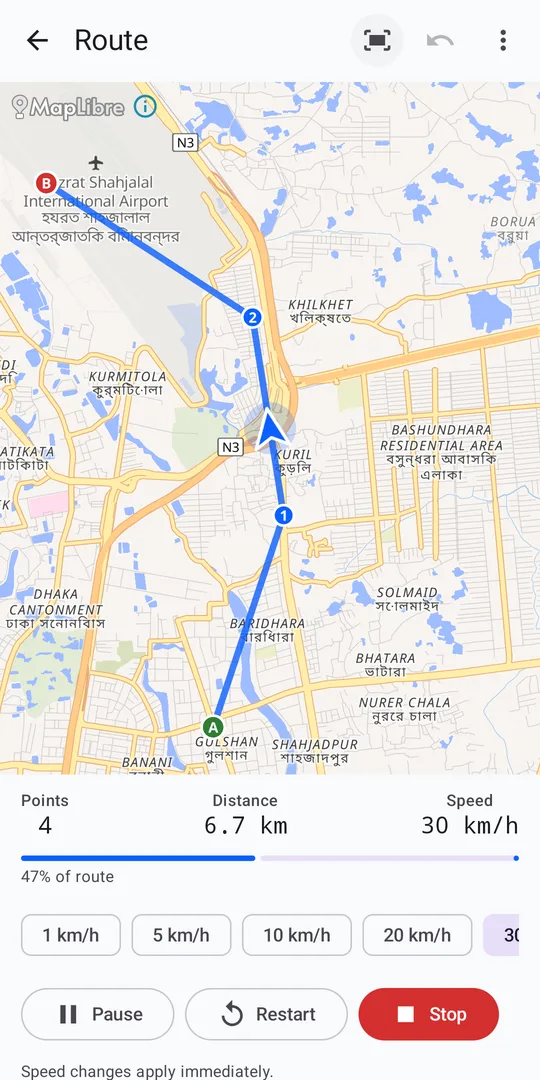
Routes
Set a start, waypoints and a destination, then play the route at a chosen speed.
GPX tracks
Import recorded tracks and replay them with their original timing or a fixed speed.
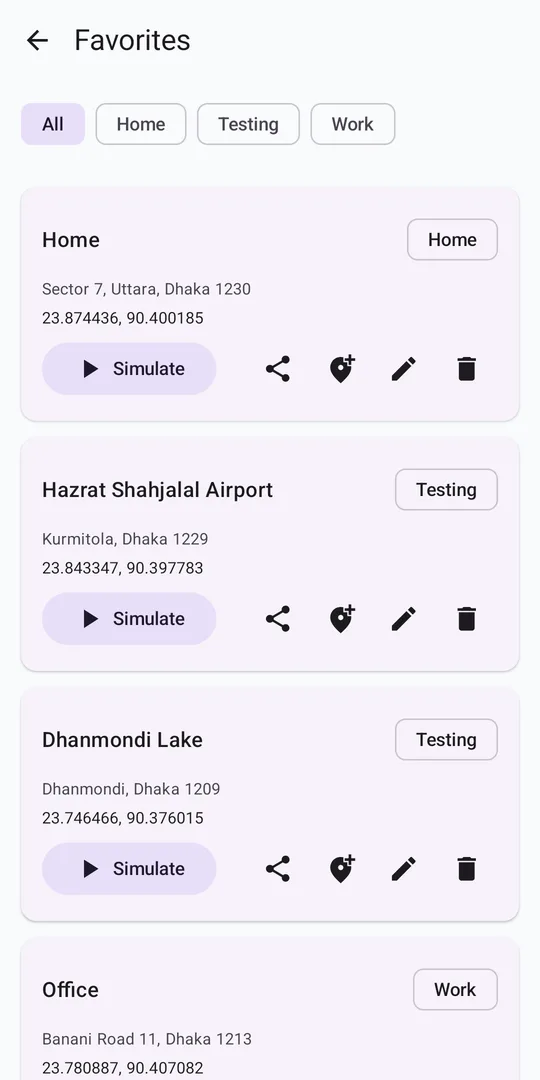
Favorites & history
Save test locations, replay past sessions and export routes as GPX.
Diagnostics
Checks your device setup and confirms Android accepts the simulated location.
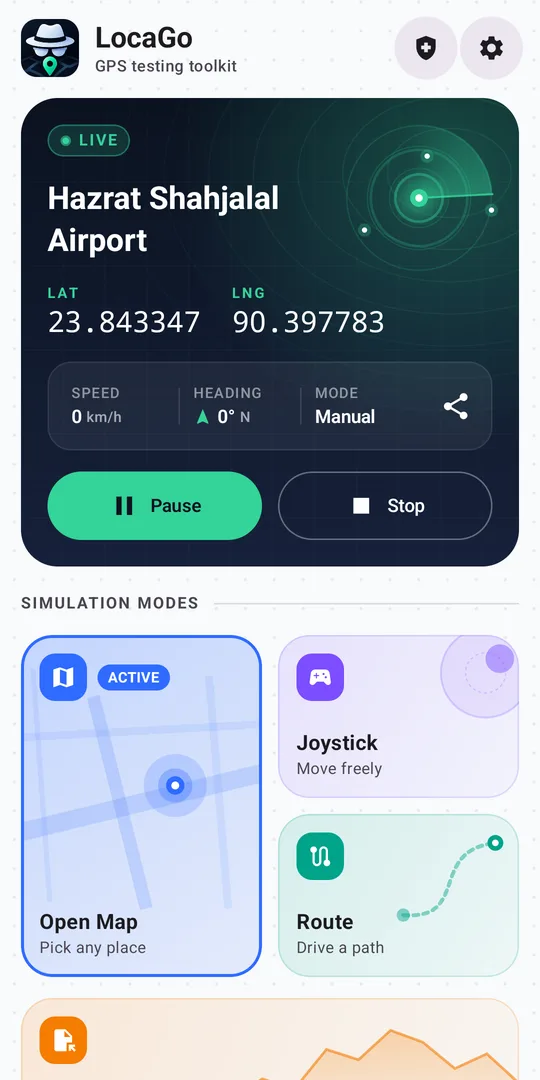
Screenshots
A live console on Home, and a screen for each way of moving.
Set up in three steps
LocaGo guides you through these on first launch.
Install
Download the APK and open it. Allow your browser or file manager to install apps if Android asks.
Allow permissions
Allow location and notifications. Simulations run in the background with Pause and Stop in the notification.
Select LocaGo
In Developer options, tap “Select mock location app” and choose LocaGo. Full guide